Overview
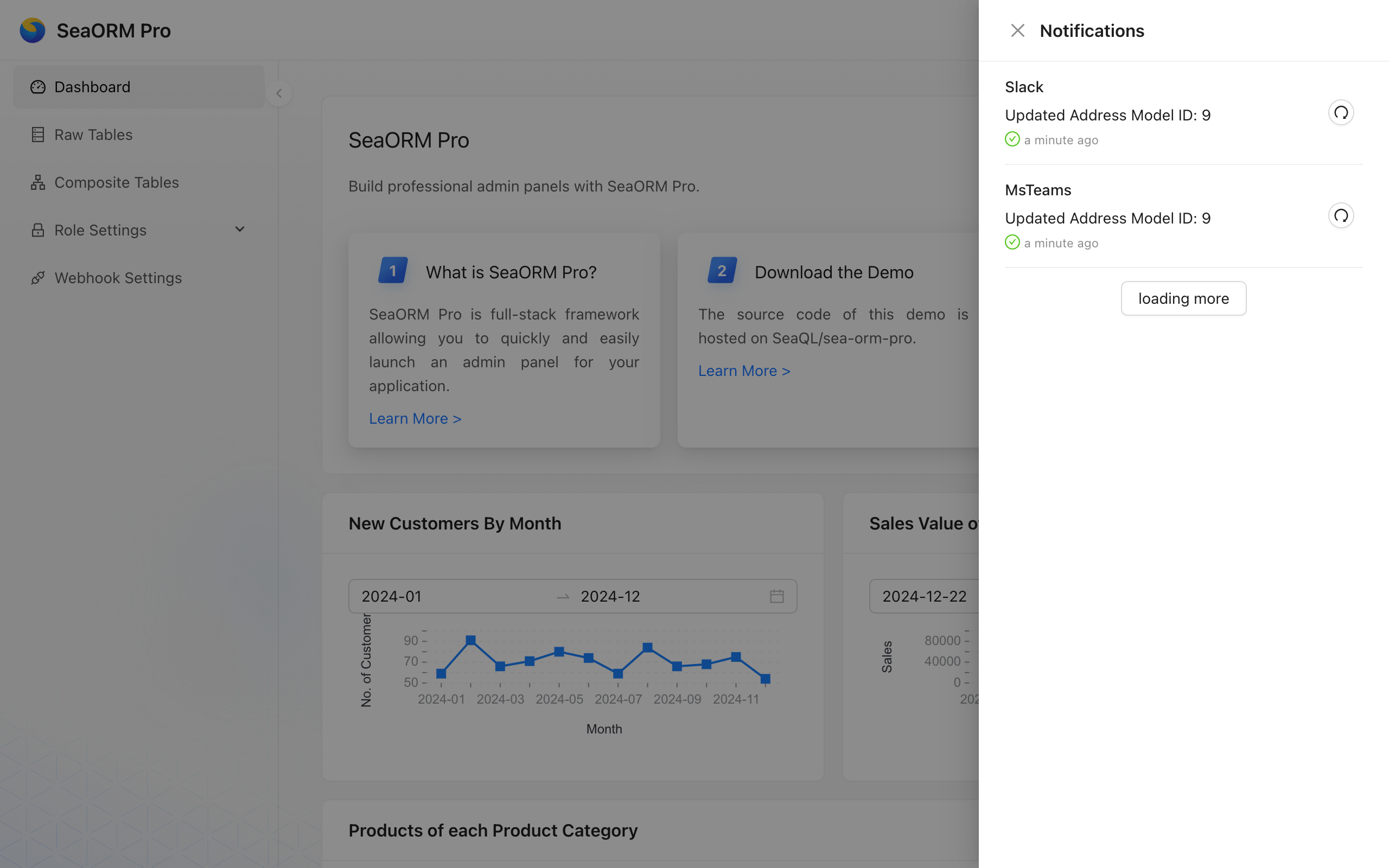
SeaORM Pro supports sending notifications to Slack and Microsoft Teams via webhooks. Once configured, applications can send notifications based on triggers: for example, when a new order is created or an order item is updated.
Design
1. Application wide
Notifications are not personalized; any user with select permission on the sea_orm_notification table can view them in the notification panel. Users who have visibility of the designated Slack channel or Teams channel will receive these messages.
Design: application level notification center.
2. Queue based
When an event is triggered in application code (for example, when a table or row is updated), a notification request is enqueued.
Design: the event queue is intended to avoid adding latency to API requests.
3. Application defined
Notifications can be sent to one (unicast) or many webhooks (multicast). The application has full control over when and what to send.
Design: application-defined logic tailored to business needs.
4. Background worker
A background worker picks up pending notifications from the queue and delivers them sequentially.
Design: Notifications are delivered asynchronously by the background worker, avoiding bursts while preserving the order of events.